AI agents that do real work in your stack.

I design, build, and ship agents for marketing, sales, and operations: research, enrichment, outreach drafts, monitoring. They run in your own tools, and your team approves what goes out.

How an AI agent works in your tools, with your approval · 37 s, no sound

Jobs an agent can take off your plate

  1. 01

    Lead research and enrichment

    The agent reads company sites, job posts, and reports, then writes the findings into your CRM before anyone picks up the phone.

  2. 02

    Outreach drafts you approve

    First messages in your voice, based on real research. Nothing is sent until a person on your team says yes.

  3. 03

    SEO and AI-search monitoring

    Rankings, backlinks, schema, and whether ChatGPT and Google AI answers mention you. A short weekly report, not a dashboard nobody opens.

  4. 04

    Competitor tracking

    Pricing pages, launches, and messaging changes, summarised when something actually changes.

  5. 05

    Content briefs and drafts

    Briefs built from search data and customer questions, drafts that follow your style guide, ready for an editor.

  6. 06

    A second brain for your team

    Point an agent at your docs, wikis, and campaign history, and your team gets answers grounded in your own data.

Fixed price. Fixed scope.

AI Agent Sprint

from €8,000

Scoped together in a call

One AI agent designed, built, and shipped for a real workflow

  • One agent for a real sales, research, or ops workflow
  • Runs in your stack: n8n, OpenAI or Anthropic, or a small app
  • Human approval built into every step that sends or changes data
  • Source code, handover session, and maintenance docs
Request scoping call →

Prices are starting points, excluding VAT. We agree the final scope and price before any work starts.

Or start with an engine

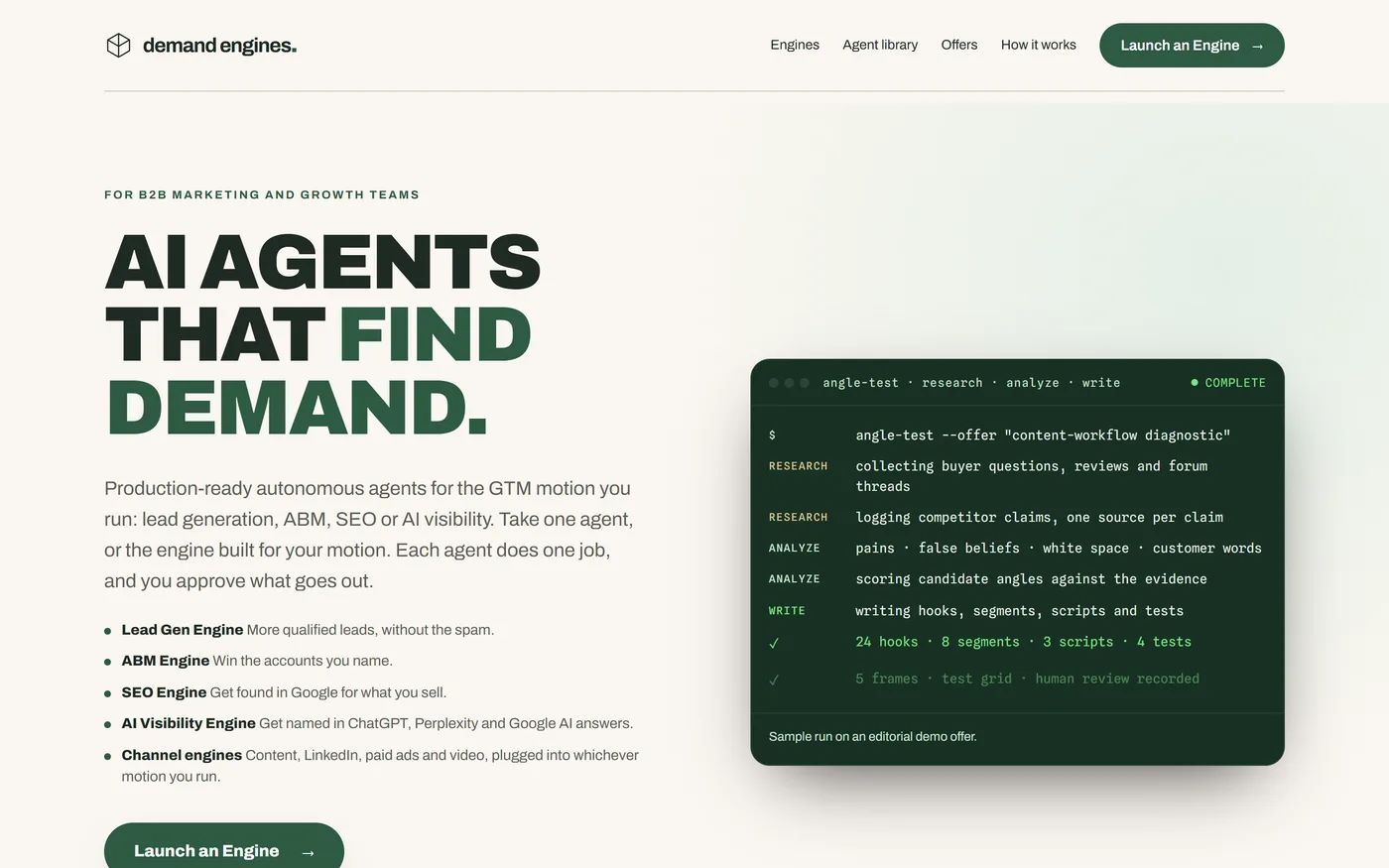
Demand Engines screenshot

Demand Engines

My own library of production-ready agents for lead generation, ABM, SEO, and AI visibility. Take one agent, such as the Angle Test on one offer, or the whole engine for your motion.

Visit Demand Engines ↗

From one workflow to a working agent

  1. 01

    Pick one workflow

    We choose the repetitive job that costs the most time. One workflow, one clear definition of done.

  2. 02

    Map it and build

    I map the steps, data, and approvals, then build the agent in your tools: n8n, OpenAI or Anthropic, your CRM.

  3. 03

    Test on real data

    The agent runs on your real inputs with a person approving every output until the results are right.

  4. 04

    Hand over and run

    You get the source, a setup video or handover session, and docs your team can maintain.

Questions, answered

Which one should we start with?

Start with Marketing Agents if you have one clear, repetitive marketing job and want to see an agent working within a week. Choose the AI Agent Sprint when the workflow touches several systems or teams and needs scoping first.

Will the agent send things without us?

Not unless you decide it should. Every step that sends a message or changes data waits for a person to approve it. You can loosen that later, once you trust the output.

Which tools do you build with?

n8n or Make for the workflow, the OpenAI or Anthropic APIs for the model, Custom GPTs or Claude Projects for simple assistants, and Supabase with a small React app when an agent needs its own interface.

Is our data safe, and is it GDPR-compliant?

Agents run in your own accounts where possible, and I use API access, where OpenAI and Anthropic do not train models on your data by default. We sign a data processing agreement, and I prefer EU hosting for n8n. Have your data protection officer review the final setup.

What does it cost to run?

Model and hosting costs depend on volume. I estimate them in the scoping call and design the agent so the monthly cost stays predictable.

What happens when our process changes?

You get the source code and documentation, so your team can adjust the agent. I can also maintain it for you; we agree the details at handover.